BrightBadge How-To Guides
Step-by-step BrightBadge video guides with full transcripts for daycare owners, staff and parents: setup, staff codes, the roster, online enrollment, attendance records, the check-in kiosk, the parent app and QR check-in. Every guide is available in English and Spanish.
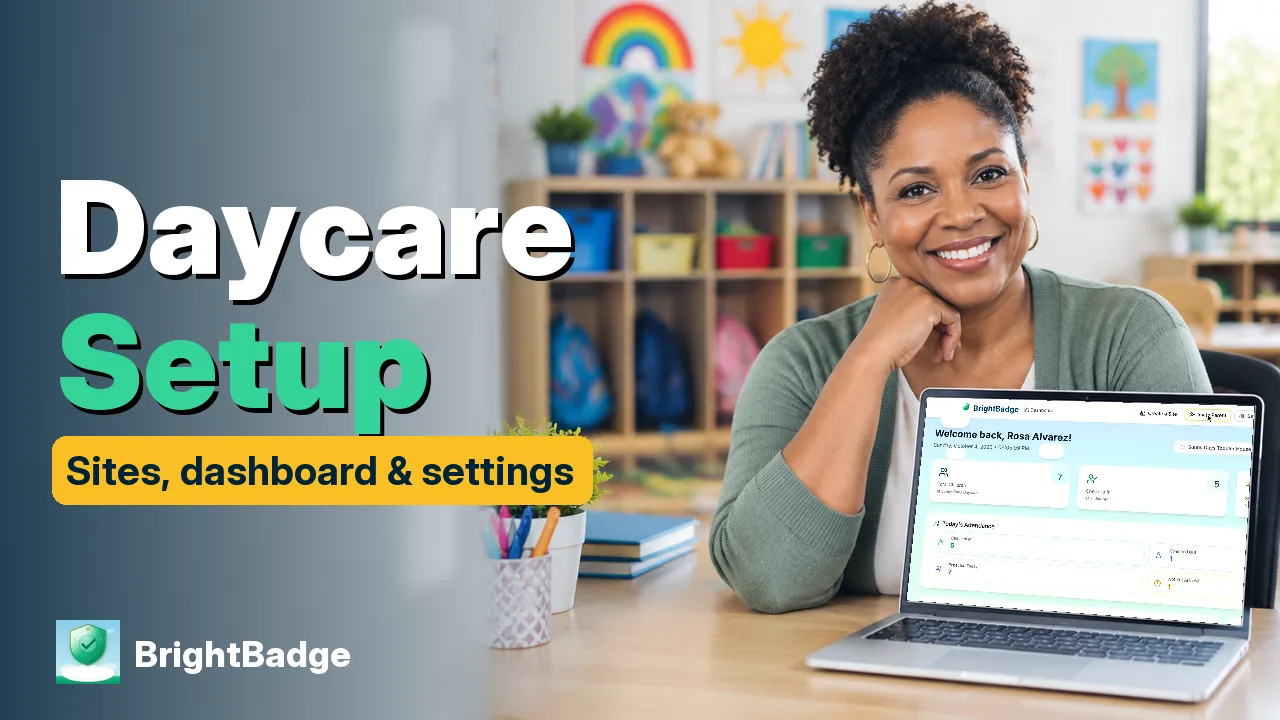
Daycare Check-In App Setup: Sites, Dashboard & Settings
This BrightBadge tutorial walks owners through the dashboard, creating a site for each floor or building, and Settings. This guide shows how to: read the owner dashboard: children enrolled, checked in now, and staff here today; find your Kiosk Access card: Site ID, your staff code and the check-in web address.
3:446 chaptersRead the guide
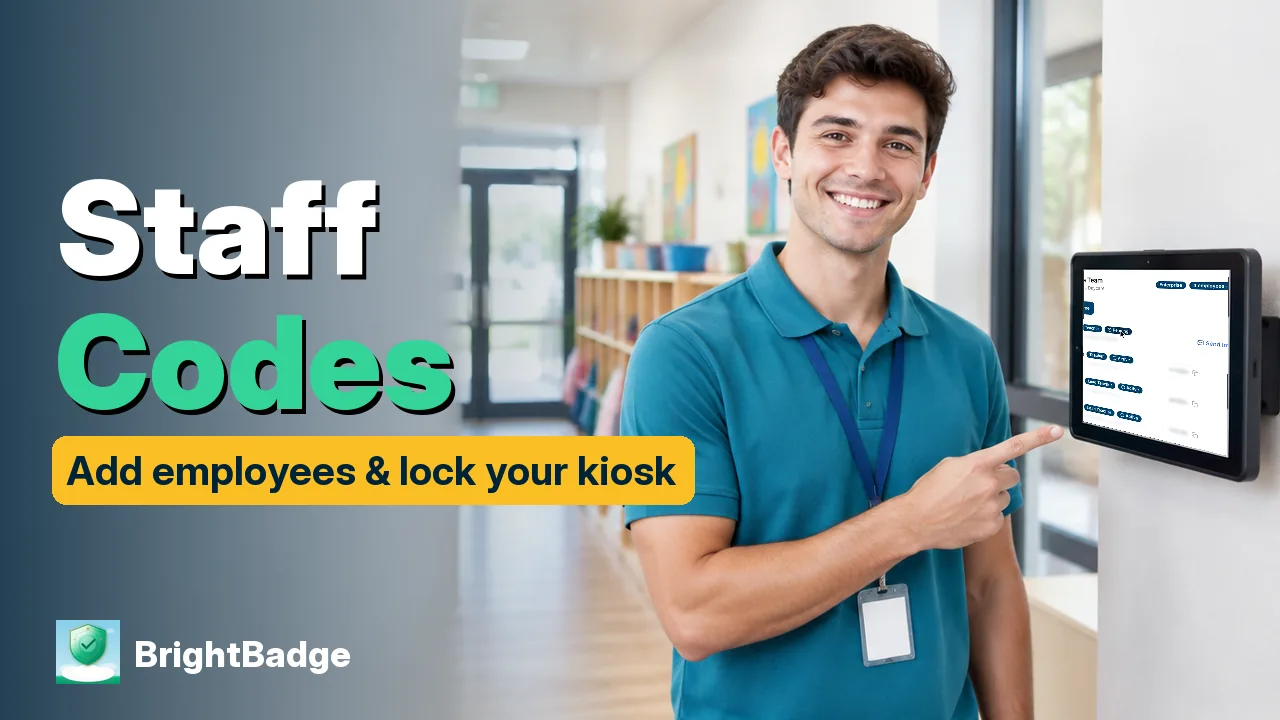
Daycare Staff Codes: Add Employees & Secure Your Kiosk
Every daycare staff member gets their own six-digit check-in code in BrightBadge, so each check-in, pickup and kiosk opening is tied to a real person. This guide shows how to: add an employee and send their invite (BrightBadge creates the code for you); copy a code privately, regenerate a lost one, promote a lead teacher or remove an employee.
3:056 chaptersRead the guide

Daycare Roster Setup: Add a Child & Link Guardians
Build your daycare roster in BrightBadge: add a child, link or invite a parent, keep health information in one place and message every family at once. This guide shows how to: search, filter and bulk import your roster; add a child and invite a parent from the Guardians tab, or parent-first from the top bar.
3:337 chaptersRead the guide

Daycare Enrollment Forms Online: Send, E-Sign & Approve
Replace the paper daycare enrollment packet: send families a personal link, let them fill in and e-sign the forms on their phone, then review and approve. This guide shows how to: invite a family and copy their paperwork link (English or Spanish forms); what the family sees: no app, no password, answers save as they type.
3:546 chaptersRead the guide
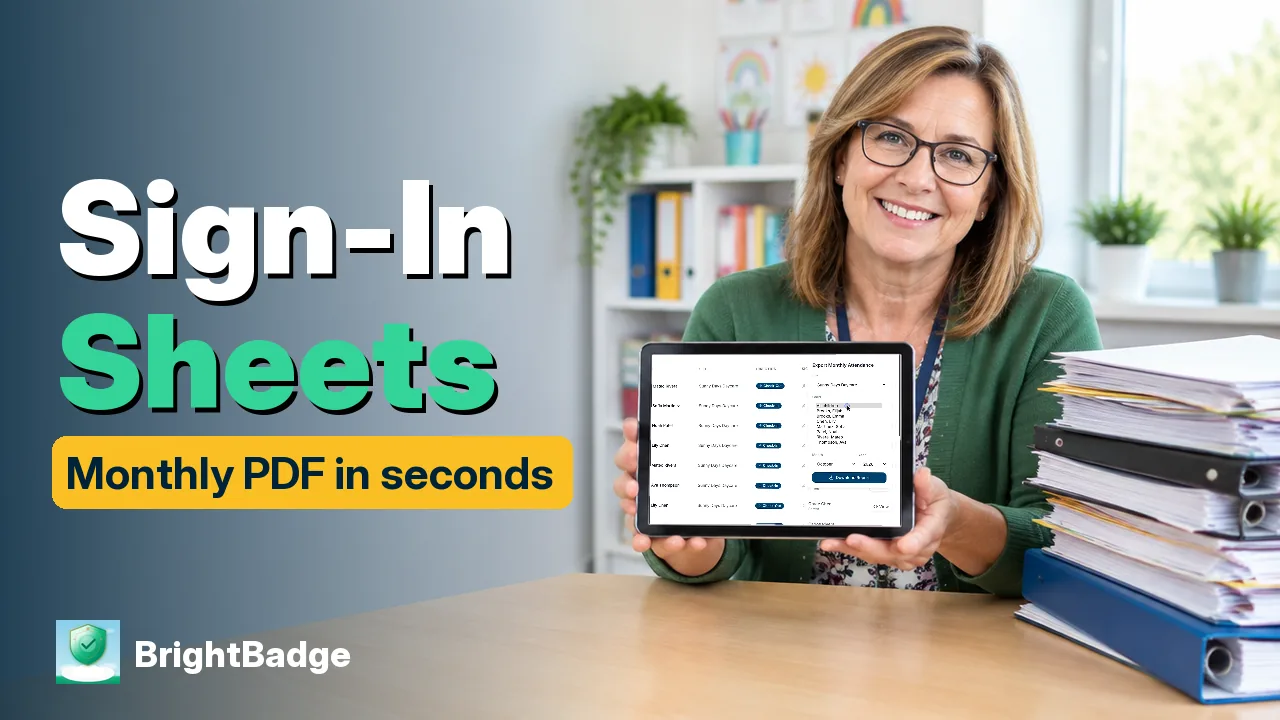
Daycare Sign-In & Sign-Out Sheet: Monthly PDF in Seconds
Your daycare sign-in and sign-out sheet, without the paper binder: find every signed check-in and pickup, then export one child's monthly attendance form as a PDF. This guide shows how to: see today's attendance and Recent Activity; search signature records by child, site, check-in or check-out, and dates; view the captured signature or save a single record as a PDF.
3:055 chaptersRead the guide
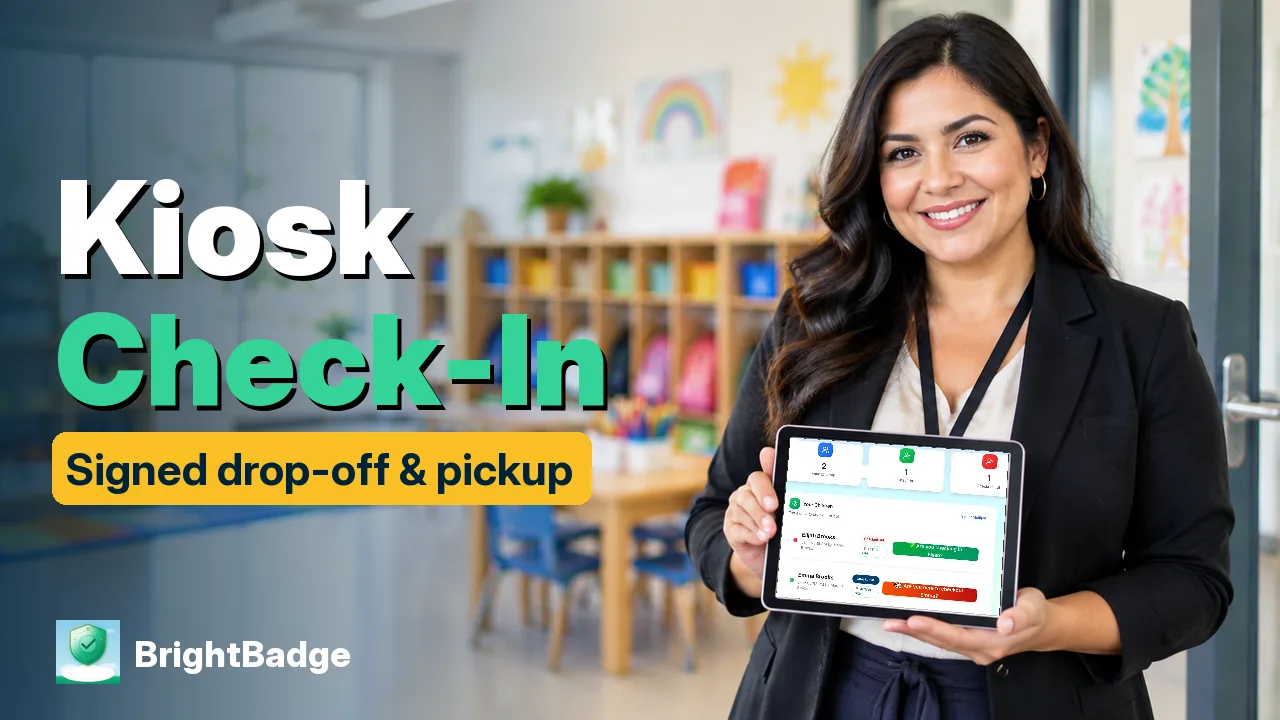
Daycare Sign-In Kiosk: Signed Drop-Off & Pickup
See a full day on a daycare sign-in kiosk: staff open it with their codes, parents check in and check out with a finger signature, and staff close the site. This guide shows how to: open the kiosk with your Site ID and staff code; parent sign-in with email and six-digit pickup code (families only see their own children).
4:026 chaptersRead the guide

Daycare Parent App: Report Absences & Authorize Pickup
This BrightBadge tour shows parents their pickup code, how to report an absence, and how to add someone who can pick up. This guide shows how to: find your six-digit pickup code and see whether each child is checked in or out; send I'm On My Way, or report an absence with dates and a reason (no phone call needed).
4:027 chaptersRead the guide
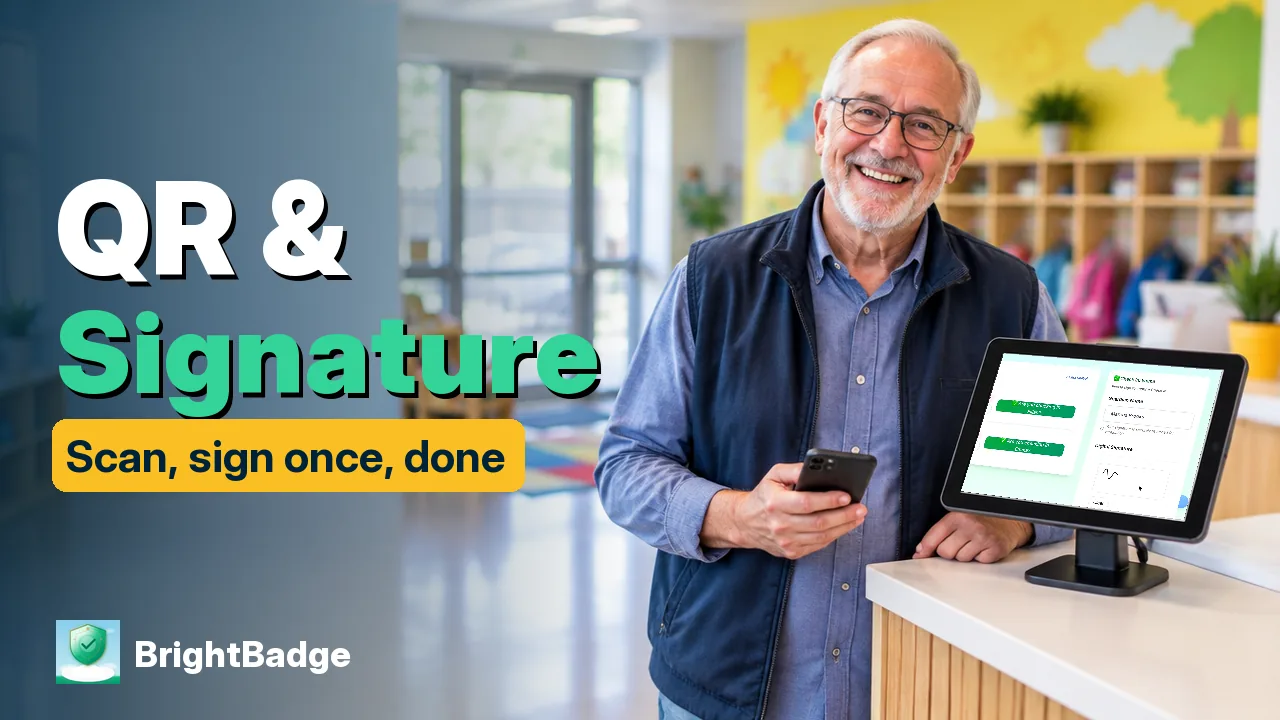
Daycare QR Code Check-In & Saved Parent Signature
Daycare QR check-in, start to finish: a signed drop-off and pickup on the BrightBadge kiosk, then the faster way — show your QR code and let a saved signature do the signing. This guide shows how to: open the check-in screen with your Site ID and a staff code.
4:197 chaptersRead the guide
Get started at bright-badge.com
Set up BrightBadge for your daycare: signed check-in and pickup, staff codes, online enrollment and attendance records in one place.